

WELCOME TO COFORE
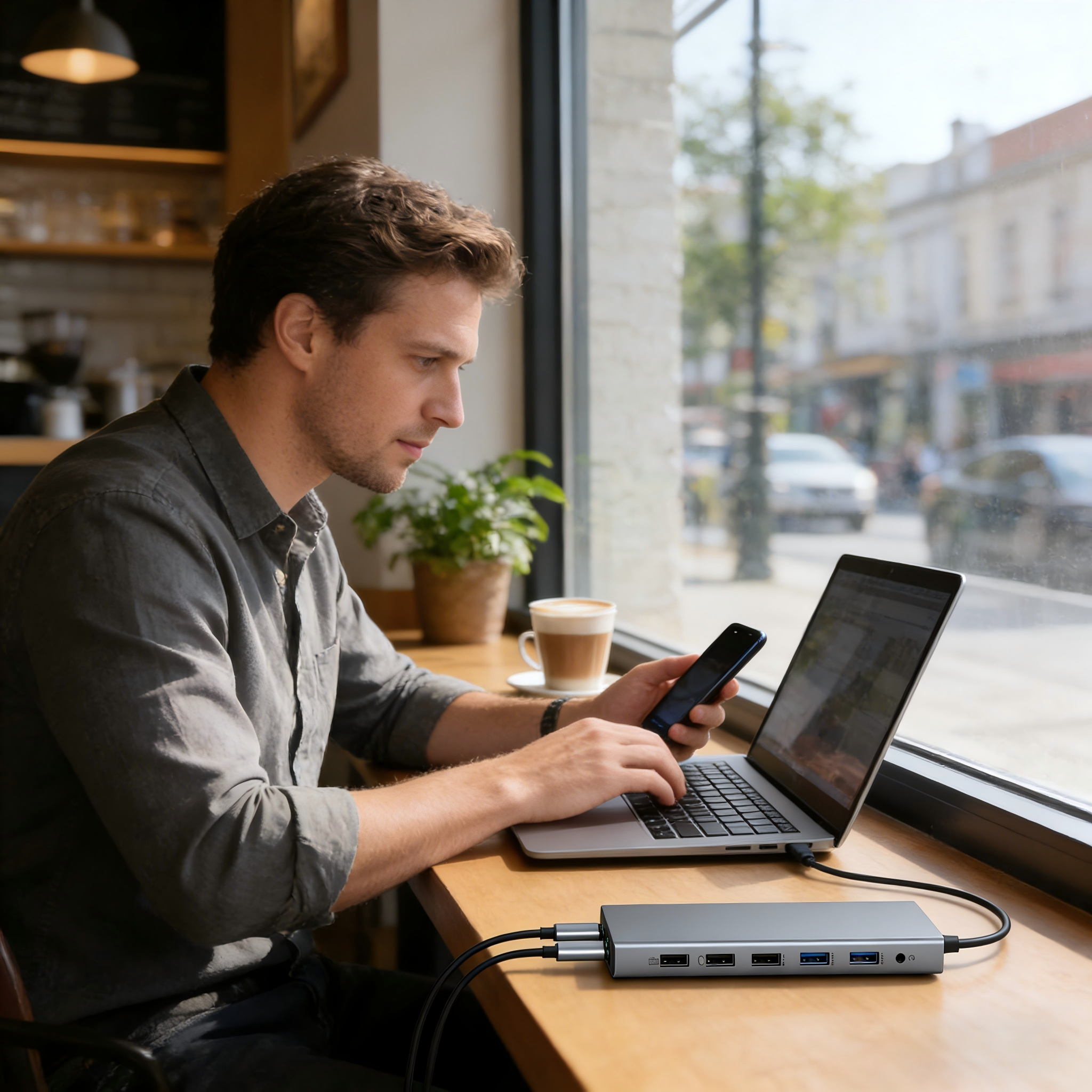
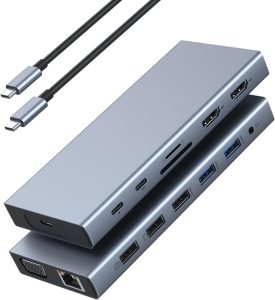
15-IN-1 USB C DOCKING STATION
Dual HDMI,VGA,Gigabye RJ45 Wired LAN, Audio jack with Mic Input
30K+
Monthly Sales
50+
Countries
INTRODUCTION TO US
WHY COFORE ?
There are some points worth your trust

100% Inspection: Testing by laptops,monitor,TV,earphone
Private Tooling : OEM,ODM,self-design,R & D, high-end quality
Powerful Supply Chain : Same suppliers of name brands
Cost saving : Same high level quality,much lower rate
Liya T.
Managing Director, CEO

About us
Manufacturer & Solution Provider
Shenzhen Cofore Technology Co., Ltd. is a leading USB Type-C Hub manufacturer and USB-C docking station supplier in China, with the Kilowell brand specializing in high-quality laptop and mobile peripherals.
With over 15 years of expertise, we excel in OEM/ODM customization for USB-C hubs, USB-C docking stations, Thunderbolt 3 docks, Type-C adapters, converters, laptop stand docking stations, gaming docks, and PC accessories.
Our strengths include in-house engineering and design teams with deep insights into consumer electronics trends. We use premium chips, raw materials, and software from the same renowned suppliers as industry leaders, ensuring superior performance and reliability.
Every product undergoes 100% compatibility testing on leading branded computers, TVs, laptops, and devices. Certified with CE, FCC, CCC, and PSE, we deliver fast shipping, strict quality control, and flexible small-order acceptance.
POPULAR MODELS
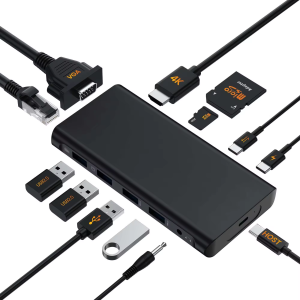
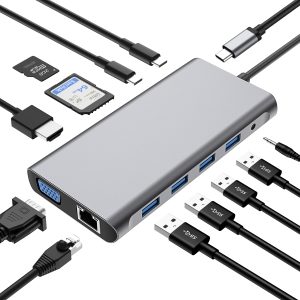
Master any scene with our 10+ port docking station.
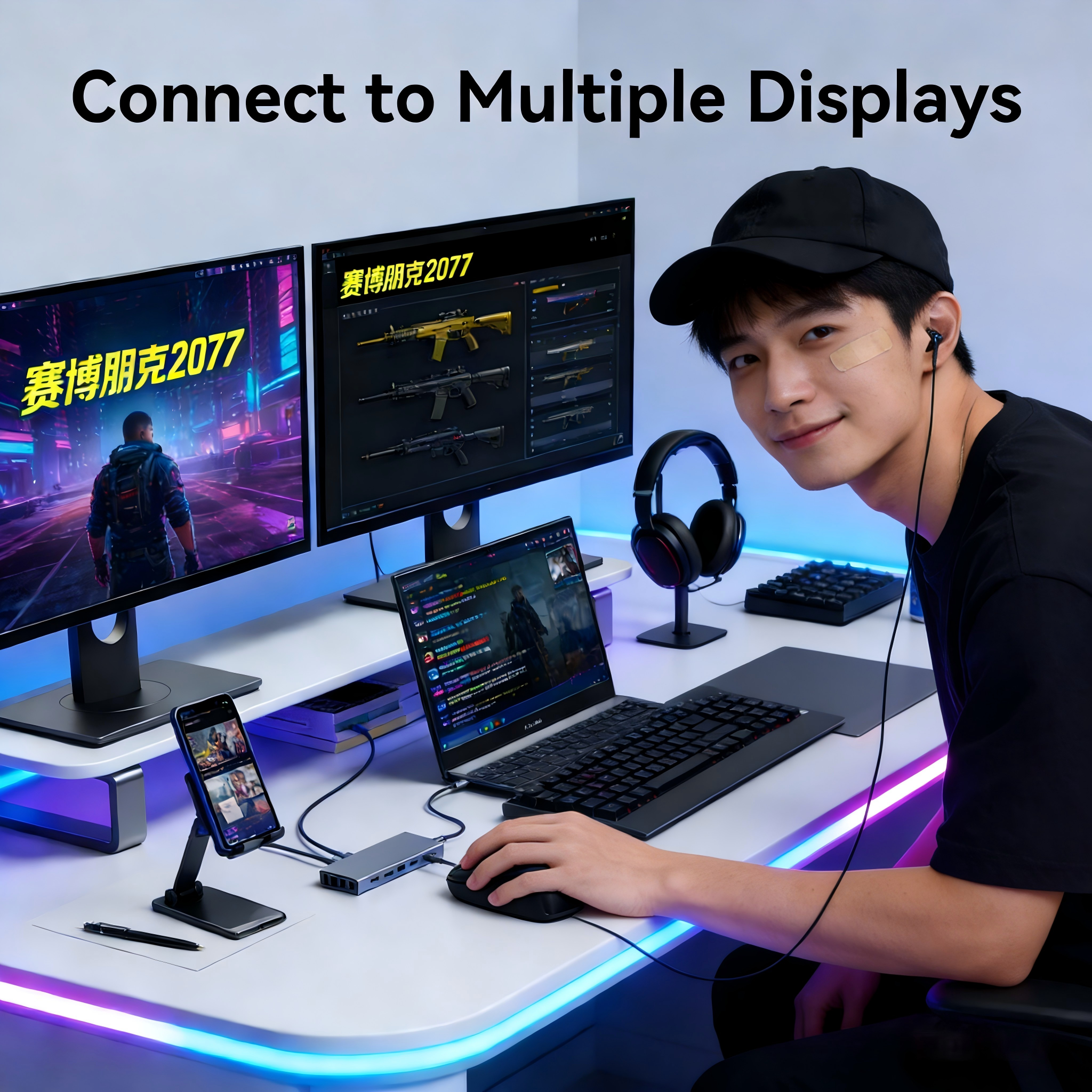
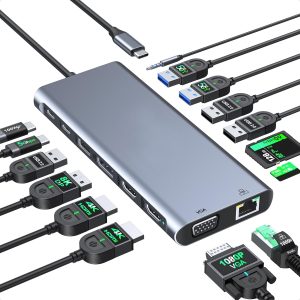
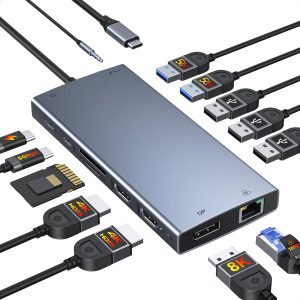
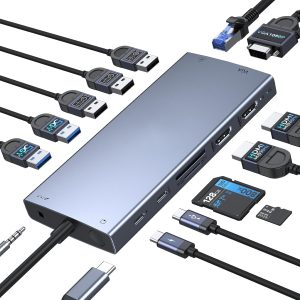
Advanced USB Type C docking station with 10+ ports. Switch between professional workflows—video editing, animation, live streaming, software development, competitive gaming, HD entertainment, and premium office tasks. One hub powers all your passions.

15-IN-1

IT Staffs,Gamers
Strategic Leadership and Management Skills
Easily turn your laptop into a powerful home media or project center. Instantly add ports for SD cards, USB drives, and wired internet for faster, more reliable connections.

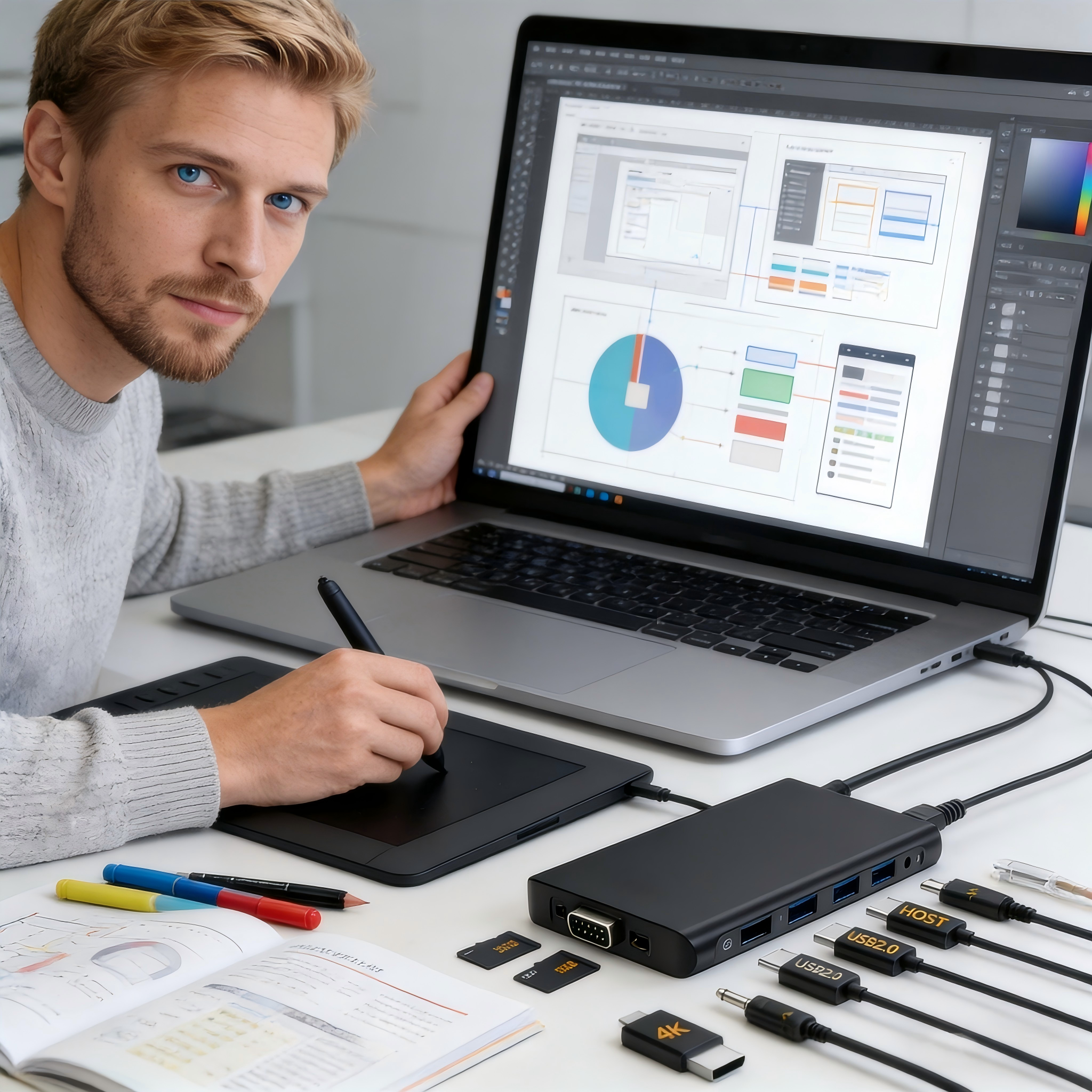
13-IN-1
Designers,Officers
Cybersecurity Essentials for Modern Enterprises
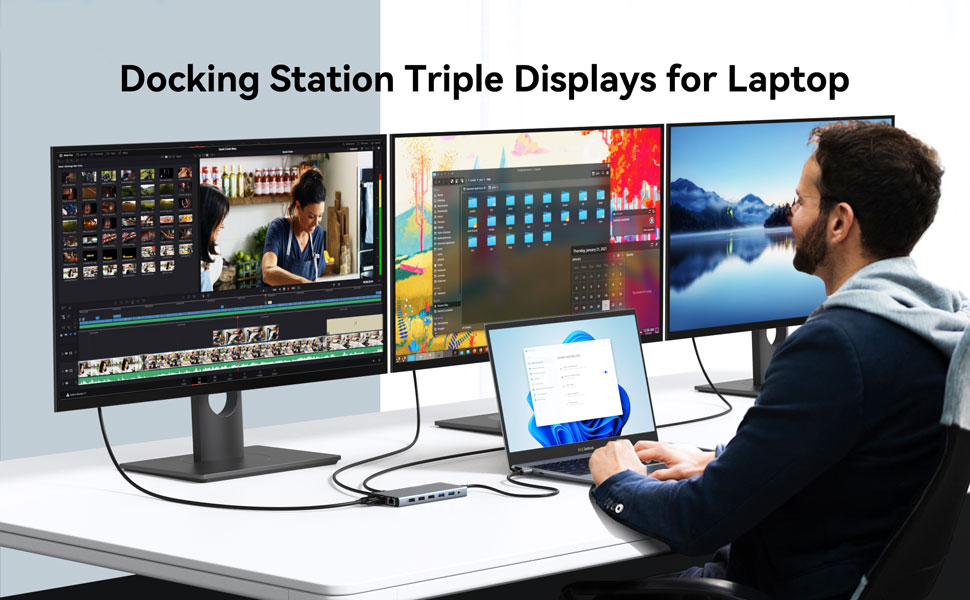
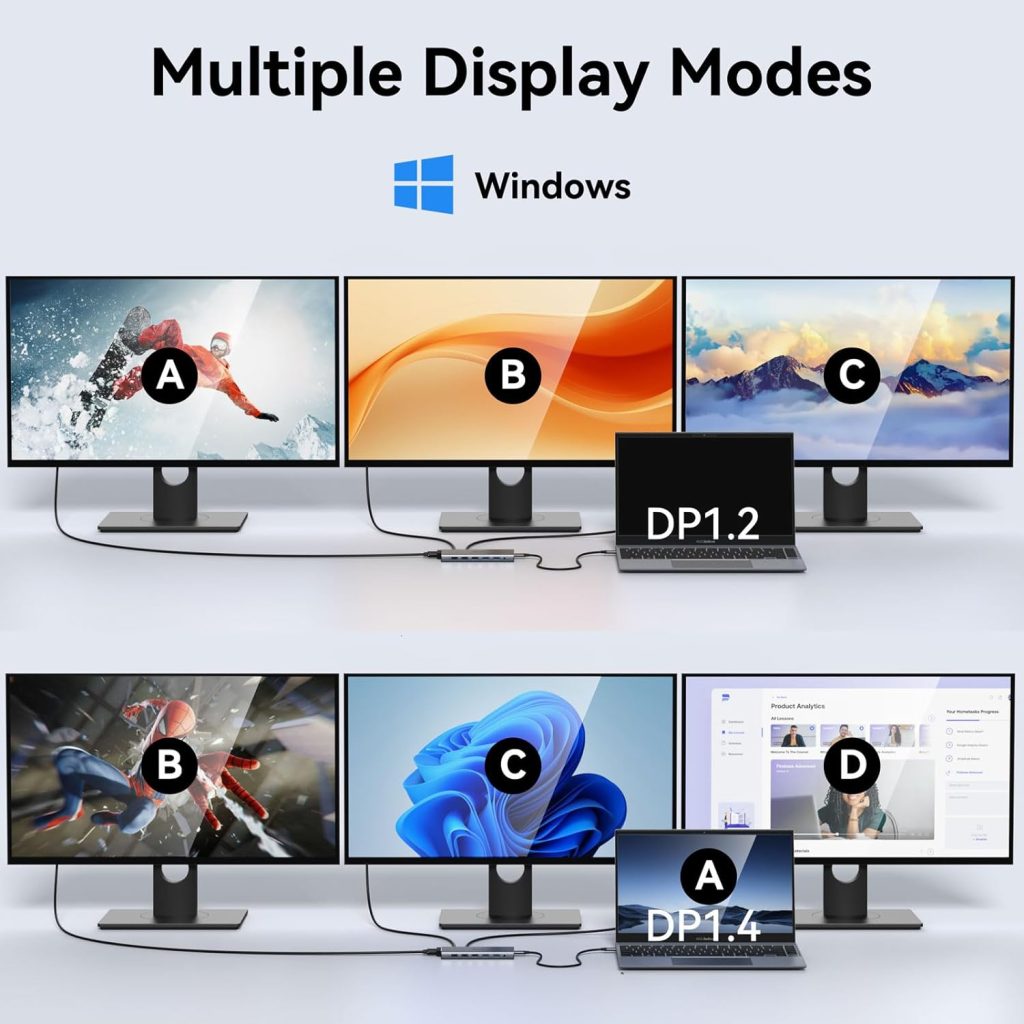
Transform your laptop into a full command center. Drive dual or triple high-resolution monitors for unparalleled multitasking and data visualization.

10-IN-1
Home,Office
The Ultimate Developer Course For Future Learner
Easily turn your laptop into a powerful home media or project center. Instantly add ports for SD cards, USB drives, and wired internet for faster, more reliable connections.
Our products
Portfolio Showcase




Feedback
What Our Clients Say
1000+
B2B/B2C Buyers and End-users
4.9+

100,000+ Ratings
“”Total game-changer for my home office! This dock connects everything (monitors, keyboard, hard drives) with a single USB-C cable to my laptop. It’s clean, reliable, and has all the ports I need. Highly recommend!”


William Scott
GAMER
“Finally, a dock that just works! It turned my lightweight laptop into a full workstation in seconds. The multiple monitor support is flawless, and charging my laptop through the dock is so convenient. Excellent value.”

George Watson
IT STAFF
“This docking station is solid and well-built. The setup was truly plug-and-play—no drivers needed on my Mac. It has eliminated my desktop clutter and all my dongles. A simple, fantastic product.”

Jenifer Lopez
OFFICER

SEND US INQUIRY
For Better Connection, Follow Us !
1Million+ end-users have already used our usb c docks for their better working and entertainment life.